NightMiner LogoNIGHTMINER

Farm Clash of Clans while you sleep

Clash of Clans bot for Windows. Skip dead bases, run your attack plan, dump leftover loot into walls.

Real-Time Activity
Synchronizing node_data...

Core Features

Loot filters

Set min gold/elixir/dark. The bot nexts when loot is too low.

Strategy editor

Place troops on a map, deploy speed, hero abilities. Save and reuse.

Auto wall upgrades

After N attacks, spend leftover gold/elixir on walls.

Background farming

Runs on Windows in the background via your emulator.

Interface Overview

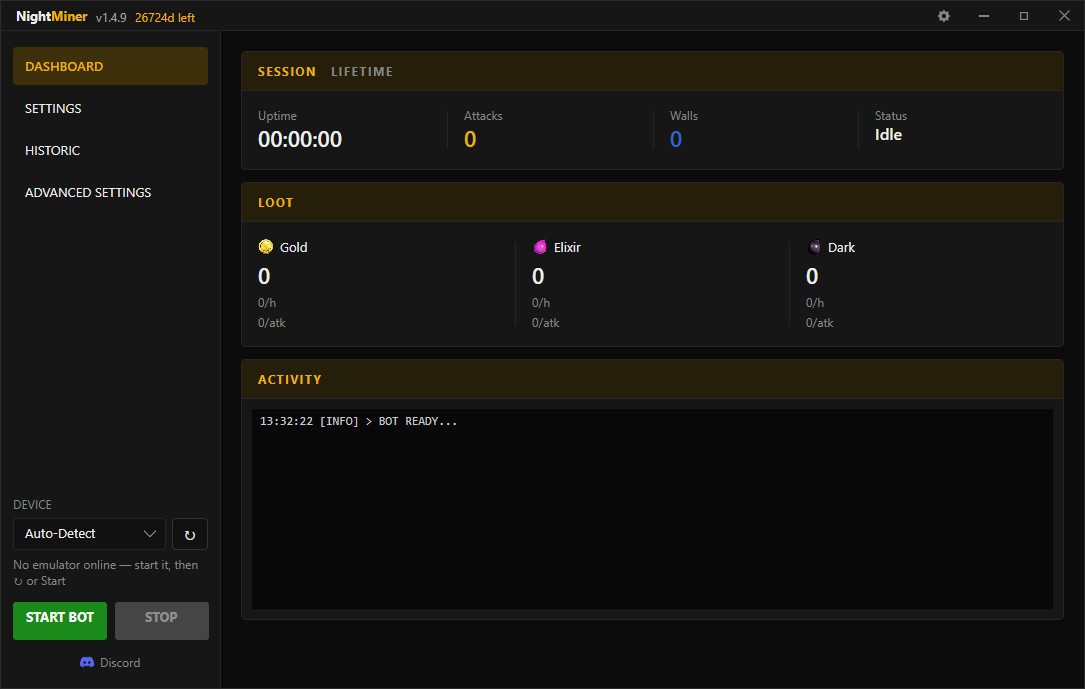
Main Dashboard
NightMiner dashboard: live attacks, loot, and bot status
Live session: attacks, uptime, loot.
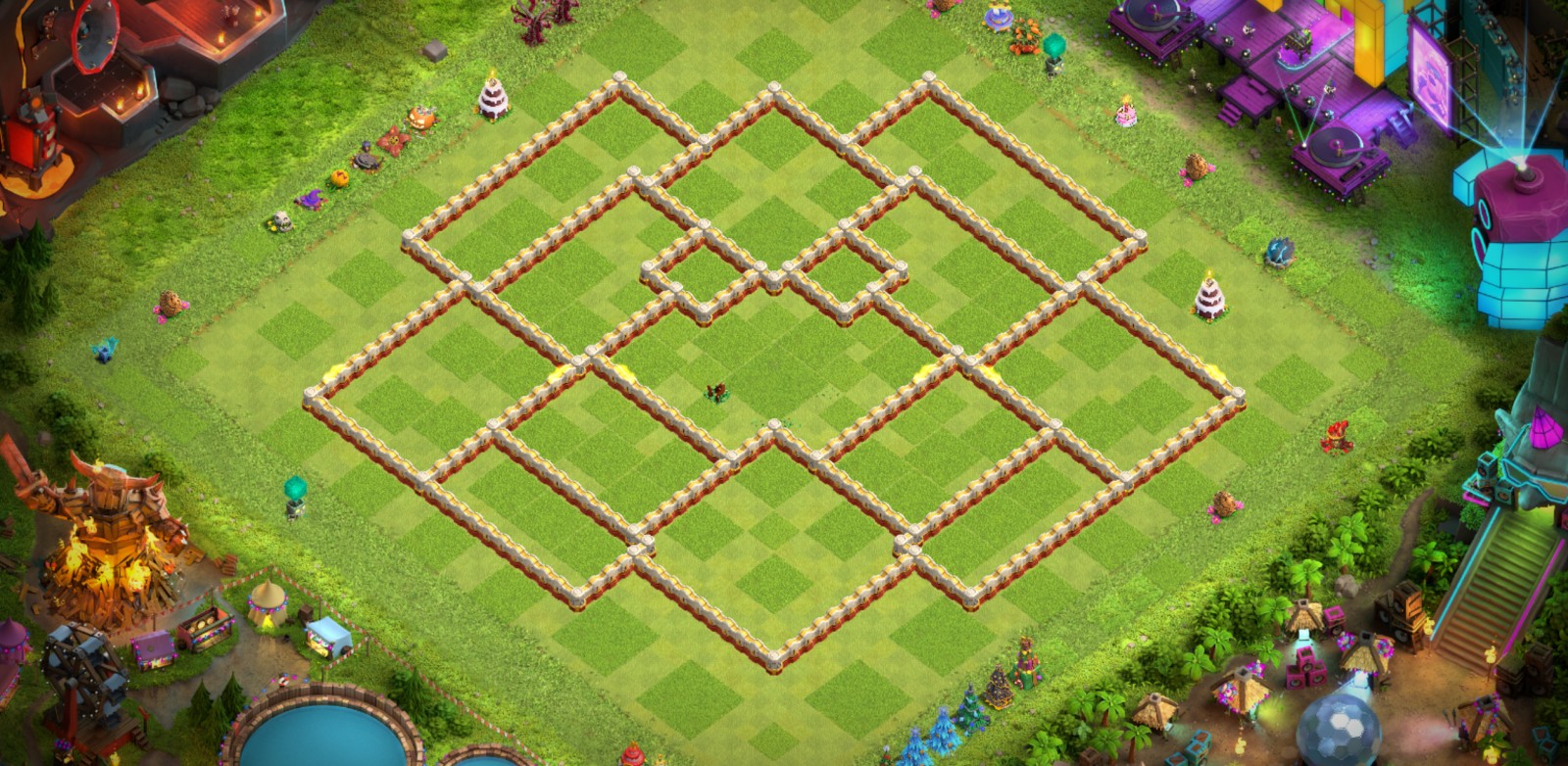
Strategy Designer
NightMiner strategy editor: troop deploy plan on the map
Attack plan: troop drops, timing, hero abilities.
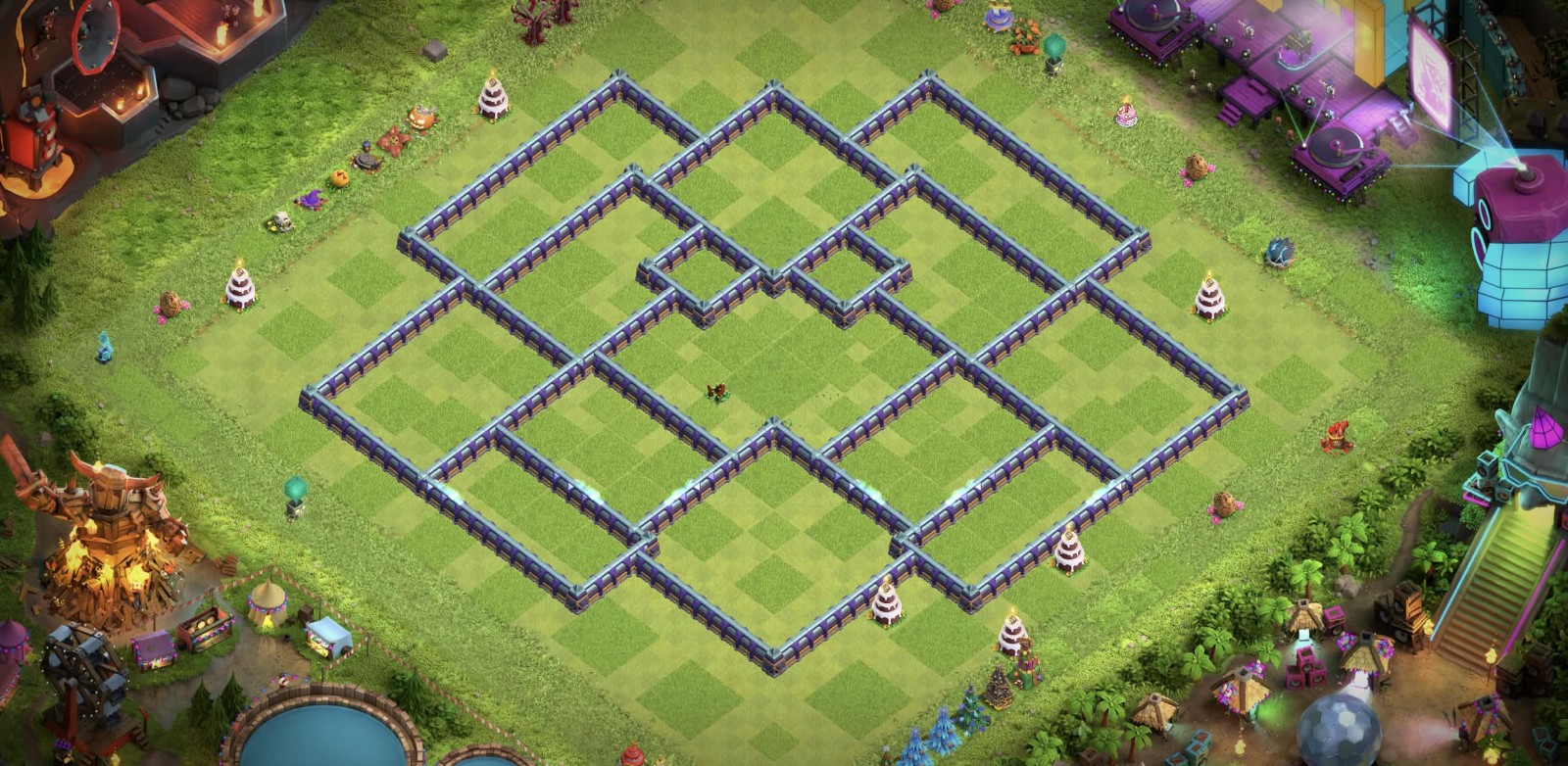
Advanced Settings
NightMiner settings: loot filters and wall upgrades
Filters and walls: min loot, leftover gold/elixir.

FAQ

Is using NightMiner safe and am I at risk of a ban?

The use of automation software is against the game developer's Terms of Service. NightMiner is engineered to be as discrete as possible by simulating human-like interaction through ADB. However, we must be clear: a risk of detection and suspension always exists. You use this software at your own risk. We are not responsible for any actions taken by game developers against your account.

Does NightMiner run on my phone, iOS, or as an Android APK?

No. NightMiner is a Windows application that drives Clash of Clans inside an Android emulator. It is not an iOS app, not an Android APK you install on a phone, and not a bot that runs on a physical iPhone or Android device. You need a Windows PC. NightMiner has been tested on Windows 11 only. Windows 10 might work; we have not tested it. The game runs in the emulator; NightMiner runs on Windows and talks to that emulator over ADB.

Which emulator should I use?

MuMu Player or BlueStacks are recommended. Enable ADB (Android Debug Bridge) on the emulator so NightMiner can send taps and swipes. Other emulators might work, but we do not treat them as supported. If ADB is off, or the emulator is a random untested build, expect setup pain. NightMiner has been tested on Windows 11 PCs only. We do not know if Windows 10 works.

Where do I download NightMiner after purchase?

On the Discord or after your purchase.

Can I use one license on multiple PCs?

The license is tied to one PC.

What happens after a Clash of Clans update?

Game updates can temporarily break detections or features. We patch when we can; there is no guaranteed fix timeline. Temporary downtime or regressions are not grounds for a refund. When a game change blocks core features for a meaningful period while we work on a fix, we may compensate active licenses by extending the license (goodwill), at our discretion. That is an apology gesture, not a right, not a refund, and not promised for every outage or minor glitch.

What is your refund policy?

Due to the nature of digital goods and immediate delivery upon purchase, all sales are strictly final and non-refundable once the license key has been sent to your email. Please ensure your system meets the requirements before purchasing. We do not process voluntary refunds for bans, setup issues, unused time, or buyer’s remorse. Setup help is available on Discord. If you open a bank chargeback / payment dispute, your license is revoked immediately and access to the software and downloads is cut off.

From $7.99/mo. See plans